How to Select PHP Version In cPanel
Print- cPanel Guide
- 6
Login to your cPanel account
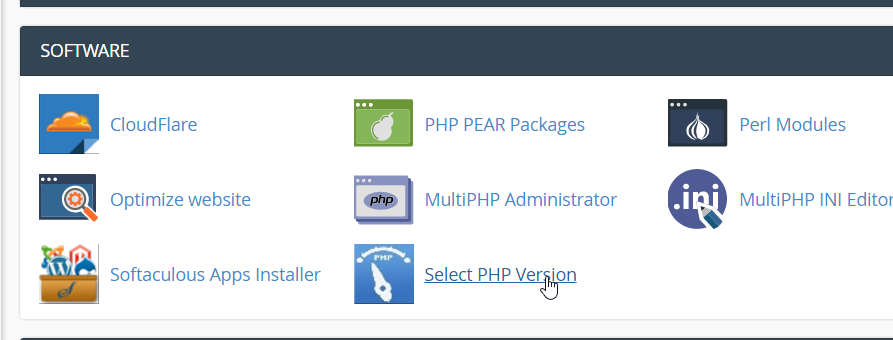
Click on Select PHP version
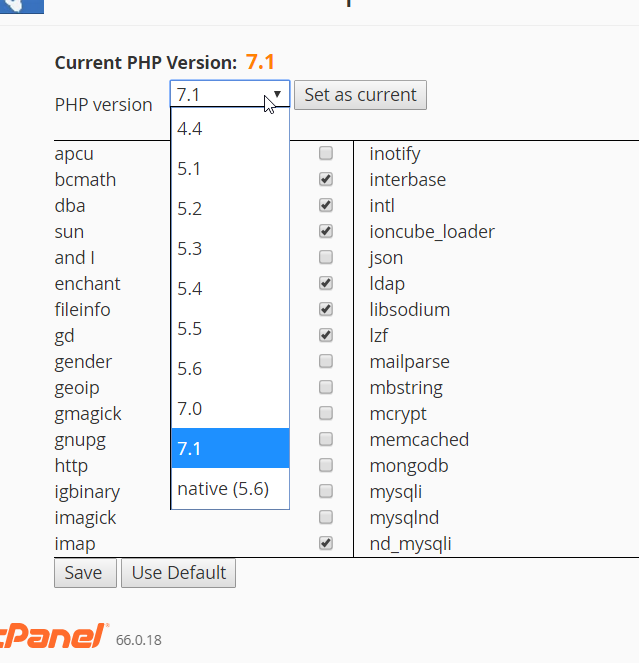
Select the version required and modules required
Click on save as current
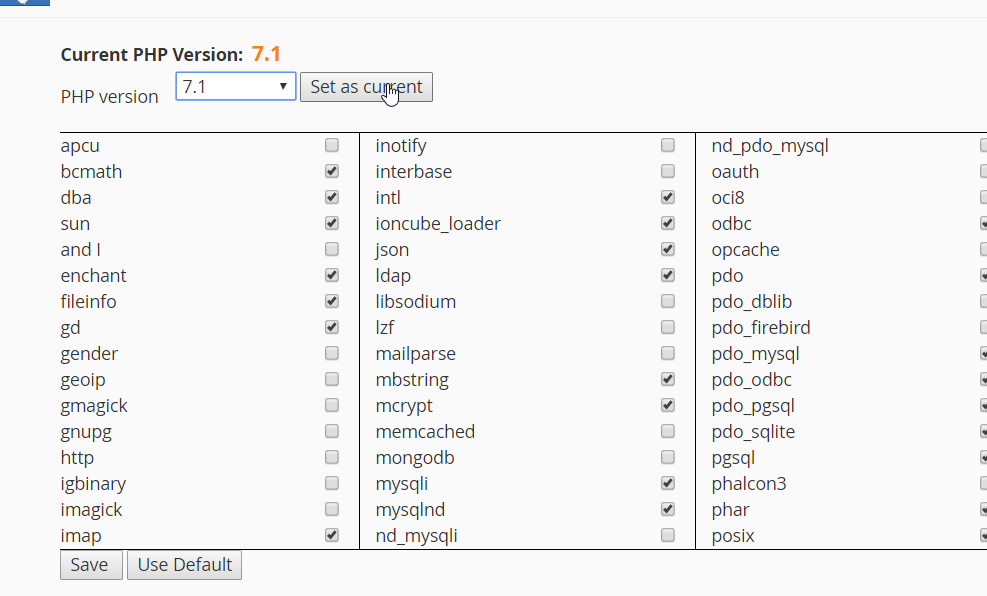
Done!
Was this answer helpful?
Related Articles
How to Enable PHP Error Display on cPanel Sometimes when you are working with a PHP script on your website, you may need to debug a...
How To Check cPanel Login Logs cPanel login logs are records that track and document login activities on a cPanel hosting...
How to Check Your Website’s Error Log in cPanel If your website is not functioning or there is an error the first thing to check is the error...
Powered by WHMCompleteSolution